
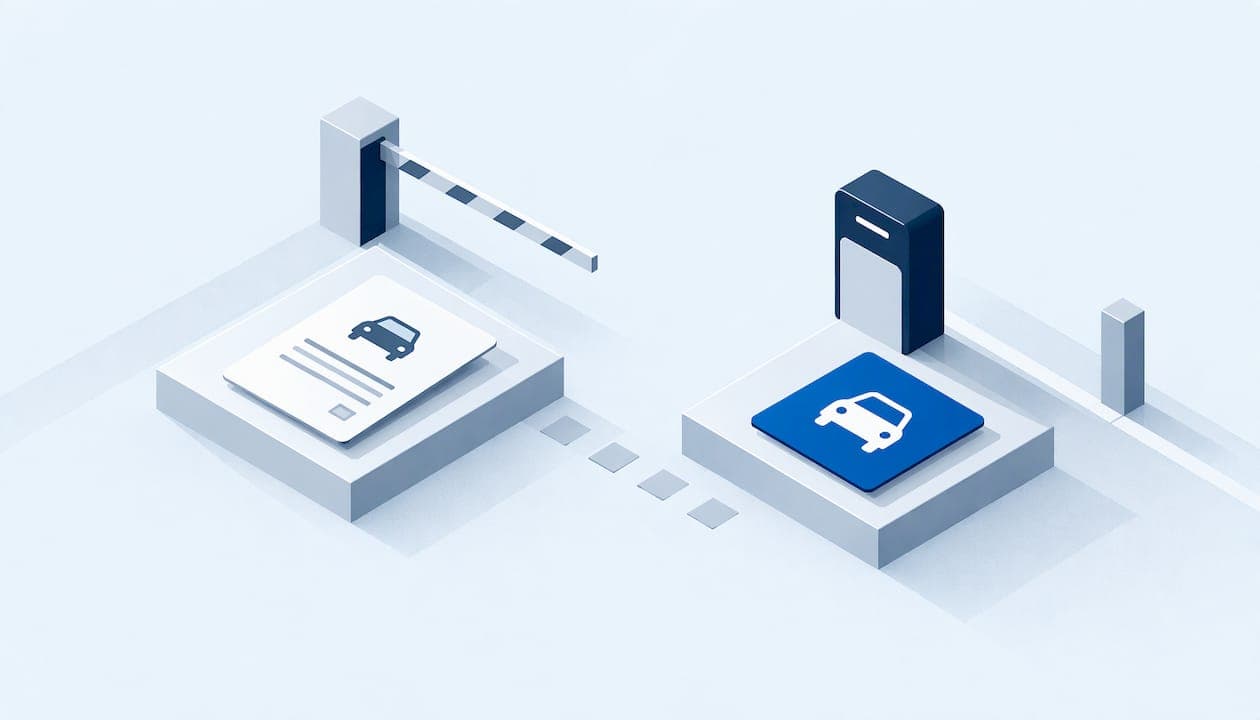
For most multi-property operators, plate-linked digital permits beat paper hangtags and decals on guest access, enforcement accuracy and admin time. Paper still has a place where a gate, a garage reader or a visual-only patrol is the only enforcement you have. This guide compares the two formats on the points that matter to a property manager, shows how US cities and campuses handle the switch, and explains how to choose a format for each property in your portfolio.
TL;DR
- A digital permit is a record tied to a license plate. A paper permit, hangtag or decal is an object a person must display and a staff member must read.
- Plate-based permits take effect as soon as the plate is entered, so guest passes need no printing, pickup or mailing.
- Digital works best when enforcement can verify plates electronically. Where access devices or visual patrols rule, a physical credential may still be needed.
- Plate data is personal data. Set access limits, audits and retention rules before you roll out.
- Choose the format property by property, but keep one permit record across the portfolio.
Table of Contents
- What actually differs between digital and paper permits
- How digital permits work for residents and guests
- Enforcement: display versus verification
- Fraud, sharing and lost permits
- Rules differ by city, county and property
- Privacy and recordkeeping for plate-linked permits
- How to choose a format for each property
- Rolling out the switch without chaos
- Our perspective
- Put every permit in one system
- FAQ
- Sources
What actually differs between digital and paper permits
The difference is where the proof of permission lives. A paper permit, hangtag or windshield decal carries the proof on the vehicle. A digital permit keeps it in a database, and the license plate is the key.
That single change reshapes every daily task:
| Factor | Paper hangtag or decal | Digital, plate-linked permit |
|---|---|---|
| Where proof lives | On the vehicle | In the permit database, keyed to the plate |
| Issuing | Print, hand out, track inventory | Register the plate, active right away |
| Guest access | Loan a physical pass or print one | Resident or staff enters the guest's plate and dates |
| Vehicle change | Reissue or move the tag | Update the plate on the record |
| Enforcement | Officer reads the dash or windshield | Plate scan or lookup against the record |
| Sharing and misuse | A tag can move between cars | The permit is tied to one plate |
| Audit trail | Often a spreadsheet and a box of tags | Every issue, change and citation can sit in one history |
| Where it struggles | Lost tags, stale inventory, slow guest passes | Needs reliable plate capture and clean data |
Decals and hangtags are not the same thing either. A decal is permanently affixed and non-transferable. Texas Tech, for example, describes decals as affixed to the front windshield in the lower driver's-side corner, while using plate-linked ePermits for other permission types. A hangtag hangs from the mirror and can be moved, which is exactly why it can be shared. Palo Alto's residential program shows both formats side by side: digital permits use the plate itself and are not transferable between vehicles, while physical hangtags and scratchers must hang from the mirror or lie face-up on the dash.
How digital permits work for residents and guests
The resident experience is simple. They register the vehicle's plate in a portal or app and the plate becomes the permit.
- West Hollywood treats the registered plate as the virtual permit. Residents can issue visitor permits online by entering a guest's plate and dates, and the permit is active instantly.
- Salem, Massachusetts ties visitor permits to a plate that can be changed in the customer portal, and changes are unlimited, free and immediate.
- Raleigh runs an online portal where the system recognizes plates tied to the account, so no physical permit is displayed. Its guest passes carry the same rights as the resident's permit for a single 24-hour period, and only current permit holders can buy them.
- Houston replaced paper permits and hangtags with plate-linked permits. Residents must provide a Texas driver's license or ID, a utility bill in their name for an address in the permit area, and their plate numbers.
The pattern is consistent. The verification step (proof of residency, vehicle ownership) stays. What disappears is the handoff of a physical object.
For a property, the guest workflow is where the gain is largest. A paper guest pass means someone at the office prints it, someone picks it up, and someone tracks whether it came back. A plate-based guest registration removes all three steps. If you want a detailed process for it, see our five-step guide to visitor parking registration.
Enforcement: display versus verification
With paper, enforcement is a visual check. Staff or a patrol vehicle looks for a tag, reads the number or color, and decides. That works, but it produces two familiar problems: a valid permit that is turned the wrong way gets ticketed, and an expired or borrowed tag looks fine from ten feet away.
With plate-linked permits, enforcement checks the plate against the permit record. Public agencies show how far this can go:
- West Hollywood's digital permits do not need to be picked up or displayed, and enforcement vehicles use license plate recognition to scan plates and verify permits instantly.
- In Washington, DC, DDOT moved to a fully digital visitor permit system on August 1, 2025. Visitor permits are issued and verified electronically by plate, and drivers no longer print and display them.
- Cal State LA describes its system plainly: the license plate works like a barcode that is automatically checked against the parking database.
One caution from Texas A&M is worth carrying into any property plan. Its virtual permit cannot open a garage or gated facility where an access device, toll tag or staff ID is required. If a property has a gate arm or a card reader, the plate record governs who is permitted, but the entry hardware still needs to be connected to that record or run alongside it.
Plate reads are not infallible. A misread character or a borrowed plate can still create a wrong ticket, which is why a human review step matters. We cover that in our guide on why ALPR alerts need human review and in our overview of LPR enforcement policy and verification.
Fraud, sharing and lost permits
Paper permits are easy to lend, copy or pass from a former resident to a new one. Plate-linked permits are harder to misuse because the permit follows one vehicle, and a change leaves a record. Palo Alto's rule that digital permits are vehicle-specific and not transferable between vehicles is the policy version of this.
Digital does not remove fraud. It moves it. The common risks become a plate entered for a car that does not live on the property, repeated guest registrations that function as a second resident permit, or an account shared among several people. The answer is policy plus reporting: guest limits, a review of repeat plates, and a history you can show a resident who disputes a citation. Our piece on four checks managers can start on permit fraud lays out where to begin.
Rules differ by city, county and property
A digital permit is not a universal product. Rules about who qualifies, how long a permit lasts and how many guests are allowed vary by jurisdiction and by property. West Hollywood, for example, caps visitor permits at five consecutive days each, 15 days per household per month, and 100 total visitor permits per calendar month, with permits expiring at noon on the day after their last effective date. Raleigh's guest passes last 24 hours. Those are city programs for public streets.
Your private lot or community is different: your lease, HOA covenants or hotel policy set the terms, within local and state law. Before you copy a municipal rule, confirm which authority covers the property, and have counsel review your published parking policy and towing signage. Policy clarity also matters when you notify a resident of a violation. A parking violation letter template built around state-aware HOA rules can help when a notice is needed for guest, street or RV parking.
Privacy and recordkeeping for plate-linked permits
A plate-based system holds plate numbers, dates and sometimes images. Treat that as sensitive. Cal State LA's policy gives a workable model: restrict automated license plate reader access to authorized users, protect the data, audit regularly and set retention limits, with non-enforcement data purged after one year. The same policy requires usage that respects privacy and civil liberties under California Civil Code sections 1798.90.51 and 1798.90.53. Other states have their own ALPR and data laws, so ask your attorney which apply where each property sits.
Practical steps for any property:
- Give each staff role only the data access the job needs.
- Keep an audit log of who viewed, changed or exported plate records.
- Write a retention period and delete on schedule.
- Tell residents in the parking policy what is collected and why.
- Keep citation evidence tied to the permit history so a dispute can be answered with facts.
Digital records also help in the other direction. A paper tag leaves almost no history. A permit record shows when a plate was added, who issued a guest pass and what happened afterward. Our post on four reports that defend your permit policy shows which of those records matter most.
How to choose a format for each property
A portfolio rarely needs one answer. Use these questions to decide property by property.
1. How is the property enforced today? If enforcement is a patrol on foot with no plate lookup, plate-linked permits still work, because staff can search the plate on a phone or tablet. If you have vehicle-mounted or fixed LPR, plate-linked permits are the natural fit. If you rely on a gate or reader, plan for how the permit record connects to that hardware.
2. How many guests does the property handle? High guest volume, such as apartment communities, hotels and event-adjacent lots, is where paper creates the most work. Registering a guest plate is faster than issuing and retrieving a pass.
3. Who are your users? Residents who are comfortable with a portal gain the most. Keep an assisted path for residents who prefer to call or visit the office. Staff can enter the plate for them, so the permit is still digital.
4. Do you need a visible credential? Some properties want a visible tag for vendor identification, reserved spaces or accessible parking, where staff or neighbors need to see authorization at a glance. Mixing formats is fine, provided every credential maps to one record.

5. How many properties report to one team? This is the question that tips most portfolios. If each property uses its own tags, spreadsheets and forms, the regional manager cannot see violations, guest use or permit counts across the portfolio. One record system fixes that regardless of how the permit is displayed.
A quick guide:
| Situation | Likely best fit |
|---|---|
| Open lot, LPR or plate lookup available | Plate-linked digital permits |
| Apartment community with heavy guest traffic | Digital resident and guest permits |
| Gated garage with card or tag readers | Plate record plus access device linked to it |
| Reserved or accessible spaces, vendor identification | Visible credential backed by a digital record |
| No enforcement tools at all | Start with digital records and plate lookup before adding hardware |
Rolling out the switch without chaos
Most failed rollouts skip communication, not technology. A sequence that works:
- Clean the data. Confirm units, residents and vehicles before importing anything.
- Set the policy. Decide guest limits, duration, who can register and what happens on a mismatch.
- Pilot one property. Test enforcement and the resident help path before the full portfolio.
- Notify residents in writing. Explain that the plate is now the permit, how to register and how to add a guest.
- Run a grace period. Warn instead of ticketing while plates are being added.
- Review the reports. Look at disputes, repeated guest plates and unmatched vehicles, then adjust the policy.
We have a detailed walkthrough in plate-based permits: how they work and how to roll them out, and a companion piece on avoiding wrong tickets with digital permits.
Our perspective
We built MyParkingMgr around one belief: the permit format matters less than whether every parking record lives in one place. A manager who can see the permit, the guest registration, the violation, the payment and the tow in a single vehicle history can defend any decision. A manager who has a box of hangtags, a spreadsheet and an email thread cannot.
That is why we support several approaches. Plate-linked permits are the cleanest for most properties, and the platform is designed to handle residents, guests and vendors under customizable workflows that match how each property actually operates. Where a property needs hardware integration for enforcement, the same record can drive it.
We also think deployment should fit the organization. MyParkingMgr can run as hosted SaaS, as a client-hosted installation or as a white-label product, so a portfolio does not have to reshape its IT policy to modernize parking. Role-based users and audit capabilities keep staff access and changes accountable.
Digital permits are not about removing people from the process. They are about giving people better information when they make the call.
MyParkingMgr
Put every permit in one system
If you manage multiple properties, the most useful first step is a single permit and violation record that every site shares. MyParkingMgr covers resident parking permits, guest parking management, violations, payments and towing, with multi-property parking management reporting across the portfolio. On-boarding is free ($0 one-off). You can start on the MyParkingMgr home page or review the full feature list.
FAQ
Are digital parking permits legal to enforce?
Yes, and public agencies already do it. Washington, DC, West Hollywood and several universities enforce permits by plate with no display required. On private property, enforcement rests on your lease, covenants or posted policy, and state towing and signage rules. Have counsel confirm the language for each state you operate in.
Do residents still need a sticker or hangtag?
Not when the permit is linked to the plate and enforcement can verify plates electronically. Some properties keep a visible tag for vendors or reserved spaces. Where a gate or reader controls entry, the entry device may still be needed alongside the plate record.
What happens when a resident changes vehicles?
With a plate-linked permit, the plate on the record is updated, rather than a tag being reissued. Policies vary: Palo Alto's digital permits are vehicle-specific and not transferable between vehicles, so a new car means a new plate on the account. Set the same rule in your property policy.
Is a digital permit better for guests?
For most properties, yes. A resident or staff member enters the guest's plate and dates, and the permit is active right away, as in West Hollywood's system. Set clear limits on duration and frequency so guest passes do not turn into a second resident permit.
Sources
- Permit-by-Plate, City of West Hollywood
- Virtual Parking Permits, City of Houston
- Residential Parking Permit Program, City of Raleigh
- ParkDC Permits FAQ, DDOT
- Virtual Permits, Cal State LA
- Virtual Permit Parking, Texas A&M
- Vehicle Registration and Parking Decals/ePermits, Texas Tech
- Residential Parking Permit FAQ, City of Palo Alto
- ALPR policy, Cal State LA