
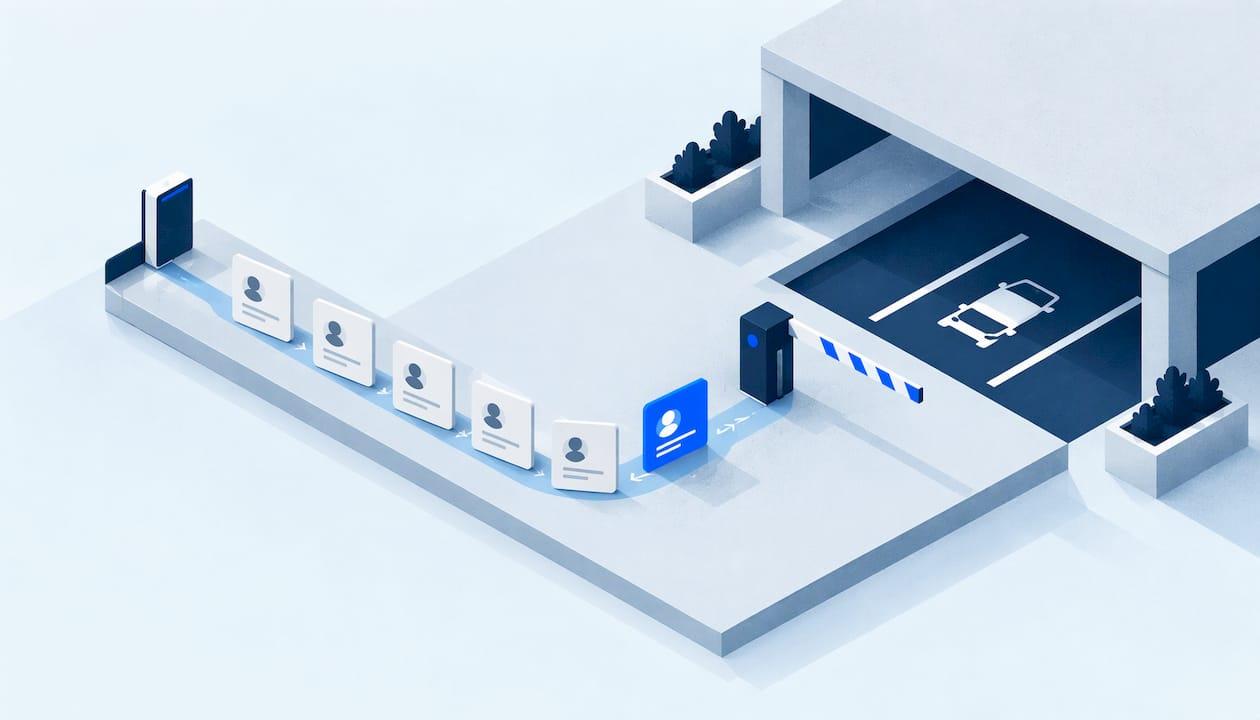
Parking user onboarding is the process of turning a new resident, guest, vendor or staff member into a verified parking account: collecting their details and vehicle, assigning the right permit and rate, confirming payment, and activating access. Done well, it happens once, in one record, and every later permit, violation or payment ties back to it. This guide walks through the data, the steps, the guest and multi-property cases, and the checks that keep errors out.
TL;DR
- Onboarding means one verified record per parker: contact details, vehicle plate, permit type, rate, payment method and an access credential.
- Treat residents, guests, vendors and staff as different user types with different required fields, approval rules and expiry.
- Let parkers update vehicles and payment details themselves through a portal, so your records stay accurate without staff re-entering data.
- Across a portfolio, keep one core workflow and let each property change only its rules, limits and rates.
- Audit the first 30 days: wrong plates, missing approvals and unclear communication cause most early tickets and disputes.
Table of Contents
- What parking user onboarding actually covers
- The information to collect for each type of parker
- A seven-step onboarding workflow
- Handling changes after onboarding
- Onboarding guests and temporary visitors
- Keeping onboarding consistent across multiple properties
- Privacy and data handling
- Communication that prevents errors
- Auditing the first 30 days
- Our perspective
- Put the workflow into practice
- FAQ
- Sources
What parking user onboarding actually covers
In a property context, onboarding is not an app tour. It is the administrative path from "someone wants to park here" to "this person and this vehicle are authorized, billed correctly and enforceable."
Parking industry guidance describes the standard sequence for a new permit account: collect the parker's name, contact details and vehicle plate, assign a permit type and rate, collect and authorize a payment method, and activate access credentials, either a physical permit or a license plate registration for plate-reading systems. That sequence is the backbone of everything below.
The reason it matters is downstream. Enforcement, towing, fine payments and reporting all depend on the record created at onboarding. If the plate is wrong or the permit type is vague, an officer issues a ticket to a legitimate parker, and your team spends hours on a dispute that one extra field would have prevented.
The information to collect for each type of parker
Not everyone needs the same form. Asking a one-night hotel guest for a lease number wastes their time; asking a vendor for nothing leaves you with no accountability. Build a short required-fields list per user type.
| User type | Typically required | Approval | Duration |
|---|---|---|---|
| Resident | Name, unit, phone, email, vehicle plate, make and model, permit type | Lease or unit verification | Tied to lease, renewed on a cycle |
| Guest | Host unit or room, plate, arrival and departure dates | Host confirmation or automatic within limits | Hours to days |
| Vendor or contractor | Company, contact, plate or plates, purpose, work dates | Manager approval | Project length |
| Staff | Name, role, plate, work location | Supervisor or manager approval | Employment period |
Three habits keep these lists healthy:
- Ask only for what you use. Every extra field is something you must store, protect and keep accurate.
- Make the plate the anchor. A plate, with its state, is what enforcement staff see on the lot. Capture it exactly and validate the format.
- Record who approved what. An approval without a name and a time is hard to defend later.
A seven-step onboarding workflow
This is the workflow we recommend as a baseline. Adjust the details per property, but keep the order.

1. Identify the user type and property
Start by classifying the person: resident, guest, vendor or staff, and which property they are parking at. This one choice drives the form, the available permit types and the rate.
2. Capture parker and vehicle details
Collect name, contact information and vehicle plate, plus make, model and color so a human can double-check the plate on site. Let the parker enter this directly where possible. Self-service entry means the person who knows the plate types it, not a staff member reading handwriting.
3. Verify eligibility
For residents, check the unit and lease status. For vendors, confirm the work order. For staff, confirm the role. Verification is where a unified system pays off, because the answer sits next to the parker's history rather than in a separate spreadsheet.
4. Assign the permit type and rate
Match the person to a permit type (assigned space, general resident, second vehicle, vendor day pass) and attach the rate. Rates should come from the property's configured rules, not from whoever is at the desk that day.
5. Collect and authorize payment
If the permit carries a fee, collect a payment method at onboarding and authorize it, rather than invoicing later. Where there is no fee, record that explicitly so reports show a zero-dollar permit and not a missing one.
6. Activate the access credential
Activation is either a physical permit or a plate registration. Which is better depends on your enforcement method. Our comparison of digital and paper permits covers the trade-offs, and digital permits explains how they cut wrong tickets. If your officers use plate readers, see our guide to LPR enforcement policy and verification.
7. Confirm and explain the rules
Send a confirmation that states the permit type, the vehicle on file, the valid dates, where they may park and what happens if they park elsewhere. This message is your first line of defense against "nobody told me."
Handling changes after onboarding
Onboarding does not end when the permit is active. Residents buy new cars, change plates, move units and swap payment cards. If every change requires a call to the office, errors pile up.
Parking Professional notes that change management should cover vehicle changes, permit type changes with rate adjustments, and adding or removing authorized vehicles, ideally through a self-service portal. The same guidance says portals reduce administrative overhead and improve data accuracy because parkers manage their own vehicle and payment updates.
Practical rules that help:
- Let a plate change take effect immediately for residents, but log the old and new plate with a timestamp.
- Limit how many vehicles one permit can hold, and require approval to exceed it.
- Tie a permit type change to an automatic rate adjustment, so billing and access never disagree.
- End access automatically when a lease ends or a vendor job closes.
Onboarding guests and temporary visitors
Guests are the hardest group, because they will not create an account, read a policy or call ahead. The goal is to make registration so quick that a resident or front desk does it without thinking.
For multifamily properties, put registration in the resident's hands: the resident enters the visitor's plate and dates, and the system checks them against per-unit limits. For hotels, the front desk or a check-in link can capture the plate at arrival. Keep the form to a plate, dates and the host unit or room.
Our guide to visitor parking registration for multi-property managers lays out a five-step approach, and the guest parking management page shows how this works in our platform.
Set defaults that protect you without burdening visitors:
- A maximum stay per visit and a maximum number of visits per unit per month.
- Automatic expiry, so yesterday's guest plate does not stay authorized.
- A clear rule for overnight guests versus short visits.
- A record of who registered each guest, so repeat misuse traces to a unit.
Keeping onboarding consistent across multiple properties
With one property, an inconsistent process is an annoyance. With twenty, it becomes a reporting problem: you cannot compare violation rates or permit revenue if each site collects different data.
The answer is a common core with local variation:
- Fixed across the portfolio: required fields, user types, approval logging, plate format, confirmation messages and audit trail.
- Set per property: permit types, rates, guest limits, quiet hours, towing rules, signage and who approves vendors.
When the core is standard, a regional manager can move between sites and see the same screens, and an executive can read portfolio reports without translating. When local rules differ, such as one community banning overnight guests, they live in configuration instead of in a staff member's memory. Our multi-property parking management page describes how we approach portfolio oversight.
Roles matter too. A leasing agent may need to approve resident permits but not issue refunds. A site manager may handle vendors. A regional director may only need reports. Role-based access keeps each person inside the tasks they own and makes the audit trail meaningful.
Privacy and data handling
Onboarding means holding names, contact details, vehicle plates and payment information. Treat that as a responsibility from the first form.
A useful public example comes from a federal privacy impact assessment of a mobile parking payment program: it states that the agency and its contractor will not access the payment provider's personally identifiable information and instead see transaction IDs, purchase dates and times, durations, amounts and zone numbers. The same document says the provider deletes personal information no later than three years after an account is closed or inactive, unless records must be kept by law.
You do not have to copy that program, but its pattern is worth borrowing:
- Give each role only the data it needs to do its job.
- Keep payment details with a payment processor rather than in your own notes or spreadsheets.
- Set a retention period for inactive accounts and guest records, and follow it.
- Check state and local privacy and records rules with your counsel, since requirements differ by state.
Communication that prevents errors
Most early parking problems are communication problems. A parker who knows where to park, which plate is registered and who to contact will rarely cause a ticket.
- Before arrival: send move-in or booking messages that explain the parking process and link to the registration page.
- At activation: confirm the permit details in writing, with the plate on file so typos are caught at once.
- Before expiry: remind parkers of renewals and expiring guest passes.
- When rules change: notify everyone affected, by property, with the effective date.
- For questions: give one place to ask, and answer from the same record the parker sees.
Keep wording plain. "Your permit covers Lot B only, plate ABC1234" beats a paragraph of policy language.
Auditing the first 30 days
Treat the first month of any new property or new resident cohort as a quality check. Look for patterns, not individual mistakes.
- Tickets issued to vehicles that later turn out to be registered, which point to plate entry errors or timing gaps.
- Permits with no approver, or with a rate that does not match the permit type.
- Guest registrations clustered on a few units.
- Users who started registration but never activated.
- Repeated support questions about the same rule.
Fixing the cause, whether a confusing form field or an unclear sign, is cheaper than handling the same dispute repeatedly. Our article on four reports that defend your permit policy shows which reports give you the evidence when a policy is challenged, and our overview of digital parking enforcement shows how onboarding data feeds enforcement.
Our perspective
Most parking trouble starts before a car ever enters the lot. It starts with a plate typed wrong, a permit nobody approved, or a guest who was never recorded. Teams then spend their time reconciling separate tools: one for permits, one for violations, one for payments, one for towing.
We built MyParkingMgr around a single record. When a parker is onboarded, that record carries their vehicles, permits, payments and history, so access and charges tie directly to what actually happened. An officer, a leasing agent and a regional manager all look at the same facts.
We also believe onboarding should fit the operation, not the other way around. That is why our workflows are customizable per property, and why the platform can run as hosted SaaS, client-hosted, or white-label. Portfolio operators get one standard core with the local rules each site needs, plus audit trails that show who approved what and when.
Our approach is to stay disciplined about what we claim: we describe the capabilities the platform verifiably has, and we help each client assess their own workflow before deployment.
MyParkingMgr
Put the workflow into practice
If you manage multifamily properties, hotels or parking lots and want this workflow running in one system, MyParkingMgr covers guest access, resident and vendor permits, violations, payments and towing in a single record. On-boarding with us is free ($0, one-off), and we begin with an assessment of how your properties handle parking today.
See the full feature list, explore the platform overview, or contact our team to talk through your properties.
FAQ
What is the first step in parking user onboarding?
Classify the user and the property: resident, guest, vendor or staff, and which site. That choice decides which fields, approvals, permit types and rates apply. Everything else in the workflow follows from it.
What information do I need from a new parker?
At a minimum, you need the parker's name, contact details and vehicle plate, plus a permit type and rate. If the permit has a fee, add an authorized payment method. Residents also need unit verification, and guests need a host and dates.
How do I stop guest parking from being abused?
Set a maximum stay, a monthly visit limit per unit and automatic expiry on every guest registration. Record who registered each guest so repeat issues trace back to a unit. Make registration quick enough that residents use it rather than skip it.
How can I keep onboarding consistent across many properties?
Standardize the core: required fields, user types, approval logging and confirmation messages. Let each property configure only its permit types, rates and limits. That keeps reports comparable while respecting local rules.
Should parkers update their own vehicle information?
Yes, wherever possible. Parking industry guidance recommends self-service portals for vehicle and payment changes, because they reduce staff workload and improve data accuracy. Keep a log of every change so the history stays reliable.
Sources
- Parking Permit Management Software: Waitlists, Renewals and more (Parking Professional)
- Adapted Privacy Impact Assessment: Parking Mobile Payments (Presidio Trust)